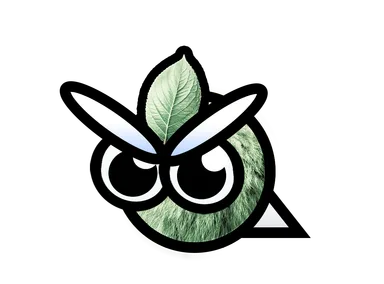
How to unlock
- Open a MonkeyBox
- Buy it from the Merchant
Where you see it
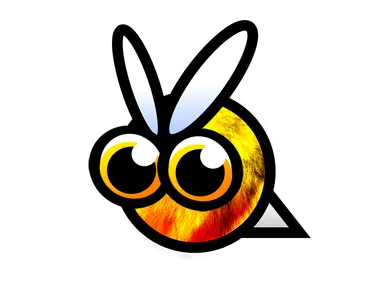
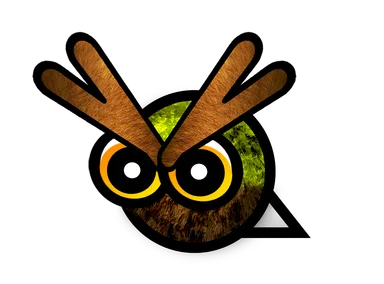
This MonkeySkin changes how the Bee looks in your games. You meet the Bee on: Forest and Flower Valley.
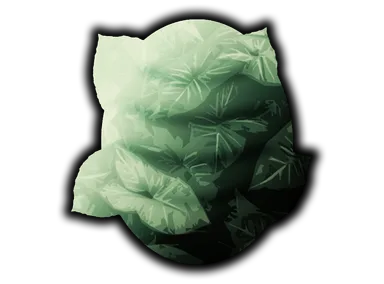
Selecting Forest Bee automatically gives the units that belong to the Bee their matching skin as well: Forest Bee Hive.
How the unlock works
- MonkeyBoxes are opened with Bamboo and contain a random MonkeySkin you don't own yet – no duplicates. Seasonal skins are never in MonkeyBoxes.
- The Merchant (from player level 5) offers a new lineup every day with a FruitSkin, a MonkeySkin and a Profile Icon.
All skins for Bee
| Name | How to get | Version |
|---|---|---|
| Bee | Available from the start | Since Launch |
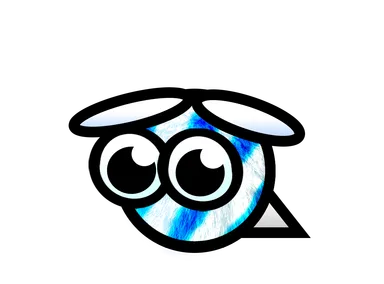
| Friendly Bee | Open a MonkeyBox / Buy it from the Merchant | 1.1 Version 1.1 Update |
| Forest Bee | Open a MonkeyBox / Buy it from the Merchant | 1.2 Forest Update |
Skin for
Comes with
More skins for Bee
Also new in 1.2 Forest Update
Added in update
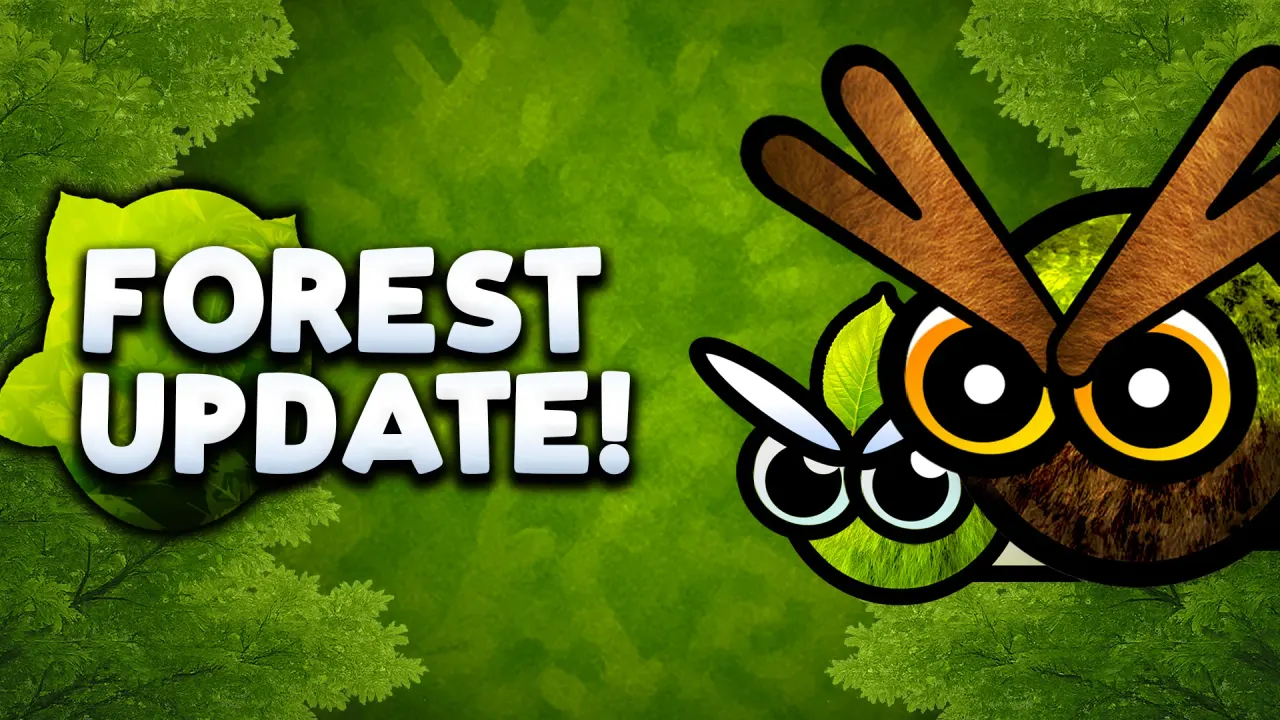 10 August 20251.2 Forest UpdateForest Bee was added to Monkey Wave in the 1.2 Forest Update.View the update →
Frequently asked questions
How do you get the Forest Bee MonkeySkin in Monkey Wave?
Open a MonkeyBox or Buy it from the Merchant.
Which skin comes with the Forest Bee MonkeySkin?
Forest Bee is always selected together with Forest Bee Hive: these units share their look in the game.
When was the Forest Bee MonkeySkin added?
The Forest Bee was added in version 1.2 Forest Update.
Play Monkey Wave
Monkey Wave is available on Steam, iOS and Android.