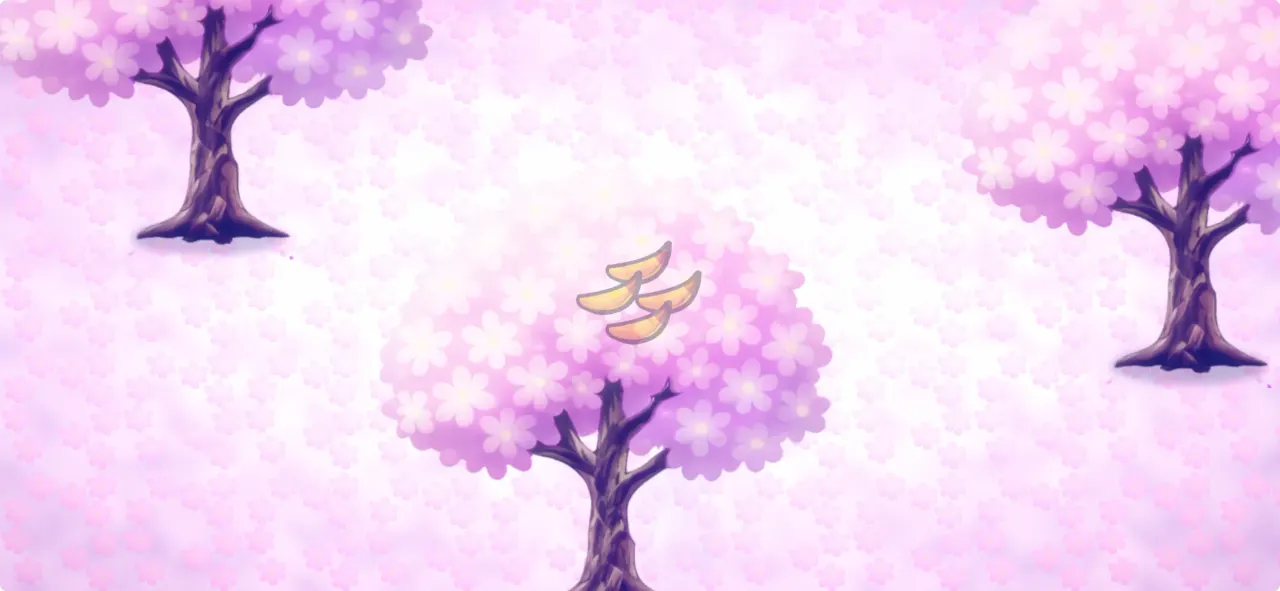
In-game preview
How to unlock
- Buy it with Bamboo
- During the Blossom event: only from the Blossom Merchant (not for Bamboo while the event runs)
Where you see it
This Scenery gives the Flower Valley map a new look. You select a Scenery per map.
How the unlock works
- Scenery can be bought with Bamboo. You earn Bamboo with Daily Tasks, the Bounty and events.
- While the Blossom event runs, this Scenery is only sold by the Blossom Merchant for Flowers and can't be bought with Bamboo. Once the event ends, it is available for Bamboo again – Scenery is never seasonal-exclusive.
All skins for Flower Valley
| Name | How to get | Version |
|---|---|---|
| Flower Valley | Available from the start | Since Launch |
| Winter Valley | Buy it with Bamboo | 1.6 Nordic Update |
| Blossom Valley | Buy it with Bamboo / During the Blossom event: only from the Blossom Merchant (not for Bamboo while the event runs) | 1.7 Blossom Update |
Skin for
More skins for Flower Valley
Also from the Blossom event
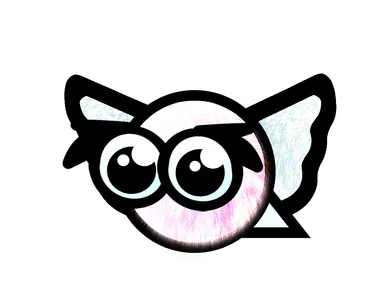
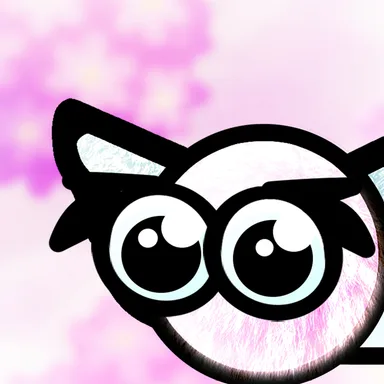
Also new in 1.7 Blossom Update
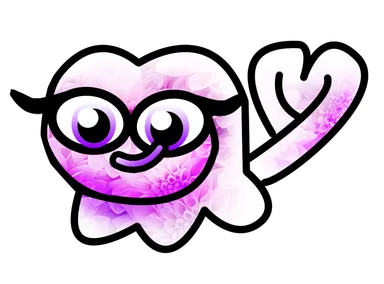
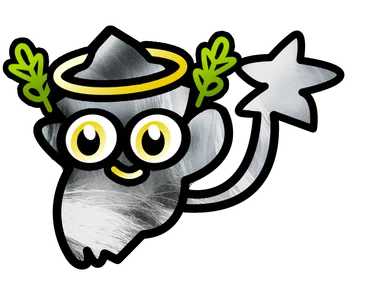
Added in update
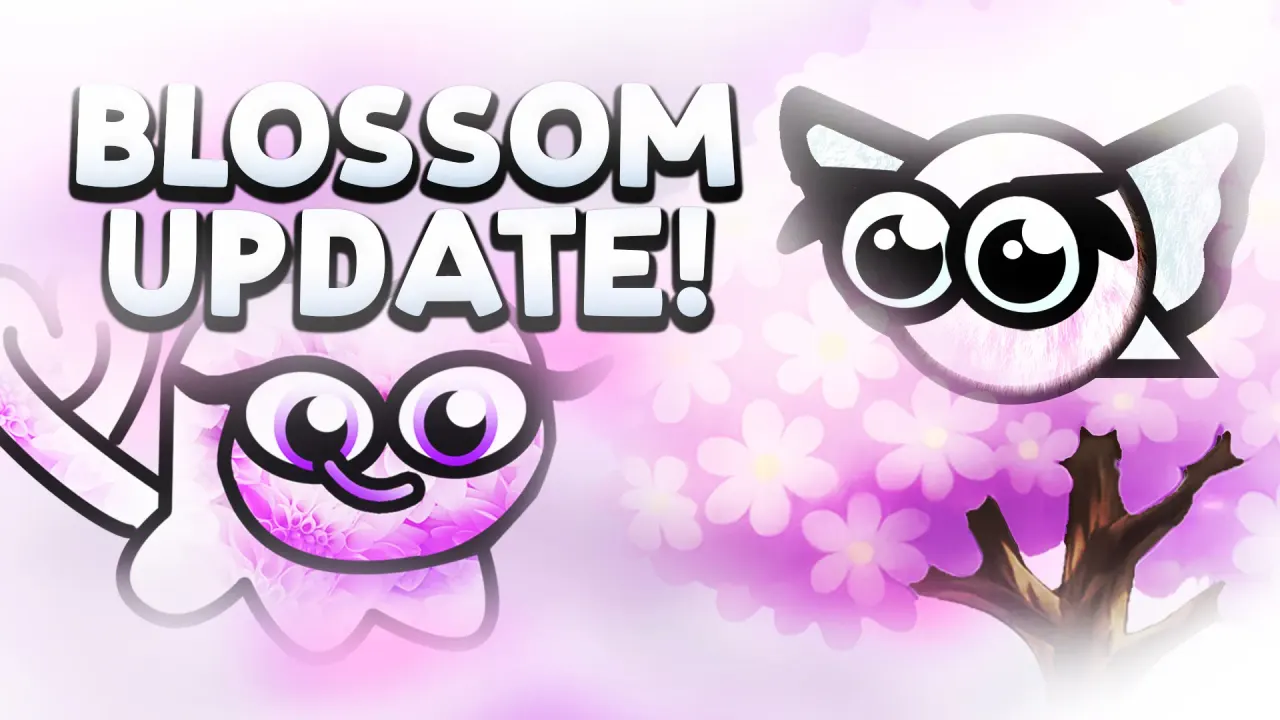 1 May 20261.7 Blossom UpdateBlossom Valley was added to Monkey Wave in the 1.7 Blossom Update.View the update →
Frequently asked questions
How do you get the Blossom Valley Scenery in Monkey Wave?
Buy it with Bamboo or During the Blossom event: only from the Blossom Merchant (not for Bamboo while the event runs).
When was the Blossom Valley Scenery added?
The Blossom Valley was added in version 1.7 Blossom Update.
Play Monkey Wave
Monkey Wave is available on Steam, iOS and Android.